
FOLDERSIZES SUPPORTED PLATFORMS
FolderSizes supports all 64-bit Windows operating systems, delivering world-class disk space analysis tooling across the entire Windows client and server ecosystem. For a full overview of its folder size reporting and disk space analyzer capabilities, visit the FolderSizes home page.
Runs on Windows 11, 10, 8, 7 (SP1) and Windows Server 2025, 2022, 2019, 2016, 2012 R2
Instructions: Download FolderSizes using the Start Download button above, then run the installer.
Installation Notes
The FolderSizes installer requires administrative privileges to properly install all components. After installation, FolderSizes can be run with standard user permissions for most operations, though administrative rights may be needed to scan certain protected system folders.
During installation, you'll have the option to integrate FolderSizes with Windows Explorer, enabling right-click context menu access to disk space analysis features directly from your file browser. IT administrators deploying to many machines can use the silent installation switches to install and license unattended.
What's in the Download
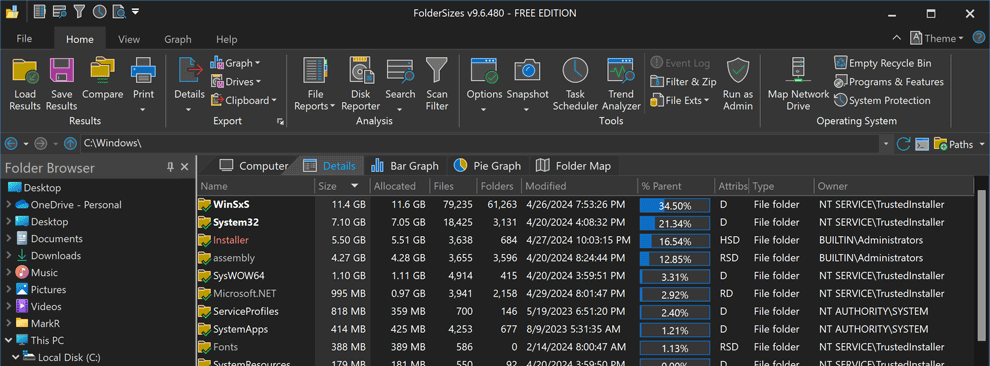
One installer covers both editions. The free edition has no time limit and includes folder size reports, treemap, sunburst, bar and pie charts, thirteen file reports (largest, oldest, duplicate, temporary, and more), multi-criteria search, and scan filtering. Entering a Pro license key unlocks report export, scheduling with email delivery, trend analysis, file system snapshots, and the command-line interface.
Switching from another tool? See how FolderSizes compares as a WinDirStat alternative, a WizTree alternative, or a TreeSize alternative, or review all of the best Windows disk space analyzers side by side.
BUILT FOR 64-BIT SYSTEMS
FolderSizes leverages the full power of the modern Windows 64-bit system architecture.